The short answer: a custom management system puts your customers, quotations, projects, orders, staff and accounts in one place that your whole team uses, set up around how your company already works. Most Malaysian companies get there the same way: Excel, a few WhatsApp groups and one or two people who remember everything. That works until the business grows. When the same customer is typed into three sheets, a quotation goes out on the wrong version, or you only find out a project lost money after it is finished, it is time for a proper system.
Signs your company has outgrown Excel and WhatsApp groups
Excel is not the problem. It is flexible, everyone knows it, and many good businesses run on it for years. The trouble starts when the work is spread across many files and many chats, and only a few people know how they connect. Some signs we see again and again:
- The same information is typed more than once. A customer's details go into the quotation sheet, then the job sheet, then the invoice in your accounting software.
- Quotations have versions, and people mix them up. Revision 2 went to the customer, but the site team is working from revision 1.
- Orders arrive in WhatsApp groups and someone keys them in by hand. When that person is on leave, or a message is missed, an order is missed too.
- You only know a project's real profit at the end. Supplier prices changed halfway, but nobody compared the actual cost against the quotation until it was too late.
- Photos and documents live on personal phones. Finding the site photos from a job last year means scrolling through someone's chat history.
- Leave, claims and attendance go through WhatsApp. At the end of the month, someone pieces it together for payroll.
If three or more of these sound familiar, your team is spending real hours every week on copying, checking and chasing.
Why ready-made software often does not stick
Many companies have already tried a ready-made system and cancelled it. A common story: the software was made for every company in the industry, so it worked one fixed way. Changing a quotation format or adding a step was difficult, and the team went back to Excel because Excel let them work their own way.
That is the real choice. Ready-made software asks your team to change how they work to fit it. A custom system is built to fit how your team already works, including the parts that make your company different, such as your own price list, your own quotation numbering or your own checklist for every job.
What a management system usually covers
Every company is different, but most systems are built from the same building blocks. You only switch on the ones you need:
- Sales and customers: enquiries, follow-ups and the full history of every customer.
- Quotations and invoices: made from your own price list, with versions kept in order, and connected to the accounting software you already use.
- Projects and jobs: tasks, due dates, site photos, documents and a page for every job.
- Cost control: actual costs recorded as the job runs, compared against the quotation, so a project that is losing money shows up early.
- Orders and stock: customer orders, inventory, production quantities and delivery orders.
- Staff: staff records, leave, attendance with GPS clock-in, claims and performance reviews.
- Reports: one page that shows what is overdue, what is missing and how the month is going.
Access is set by role. Your staff see only what they need for their job, such as creating a quotation or uploading site photos, while costs and margins stay with management.
Where AI fits in, and why it comes second
Many companies want to jump straight to AI. It usually disappoints, because AI is only as useful as the information it can read. If your information is scattered across files and chats, the AI has nothing reliable to work with.
So the order matters. First, understand how the company runs today. Second, bring that work into one system. Third, add AI on top. Once the system holds your real data, AI can do useful work: draft a quotation from your price list, remind the right person when a step is missed, point out a project whose costs are running over, and sum up the week in a few plain sentences.
How to move from Excel to a system without stopping the business
- Start with the part that hurts most. Usually quotations, orders or project tracking. Get that part working and used before adding the next.
- Bring your existing lists with you. Your Excel master list of items and prices becomes the system's list, so nobody retypes it and the prices stay the ones you trust.
- Keep your accounting software. The system can connect to it instead of replacing it.
- Let the team use it early. Real use shows what needs adjusting. A custom system should keep changing in the first months until it fits.
Most custom systems are priced as a one-time setup, plus a monthly fee that covers hosting, maintenance and updates. Ask any provider what happens when your process changes next year, because it will.
How we build them at Stelix Tech
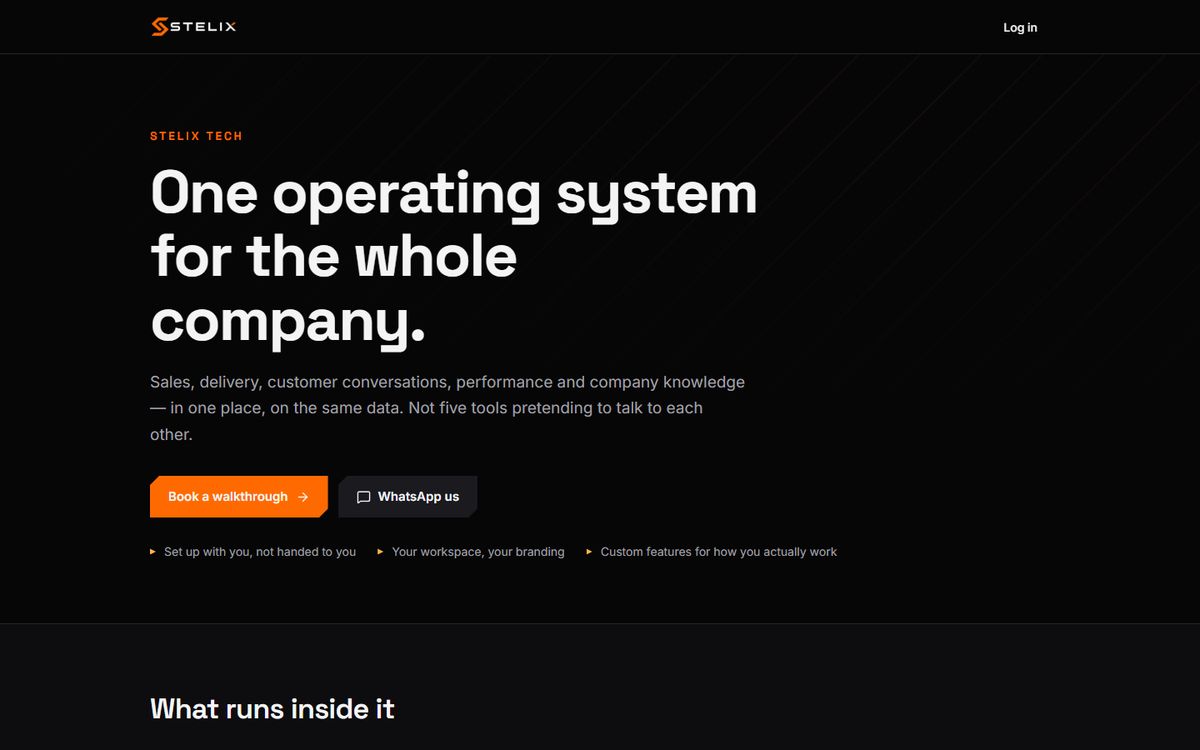
We do not start every system from zero. Over the years we have built our own system, StelixOS, which already has the common parts: customers, quotations, projects, orders, staff and reports. For each company, we take what fits, shape it around how that company works, and build the parts that are unique to them. That way you get the features of custom-built software, ready much faster, at the price of a subscription: our systems start from RM500 a month, plus a one-time setup.
We have built systems this way for a food manufacturer that receives orders in WhatsApp groups, a fitness coaching academy with its own assessment tests, an outdoor advertising company and a career readiness programme. If you would like to see what your own work could look like in one system, tell us how it runs today.